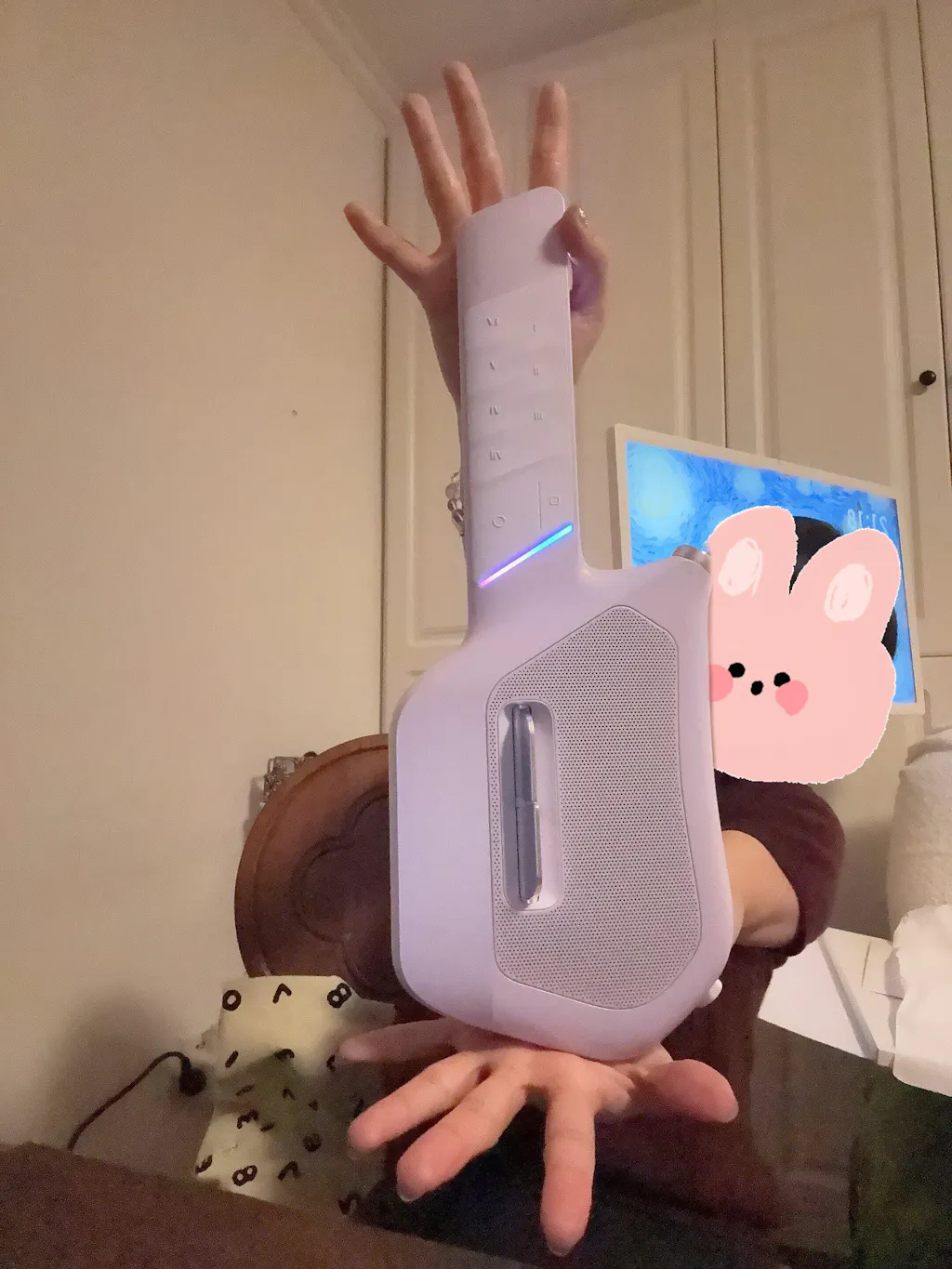
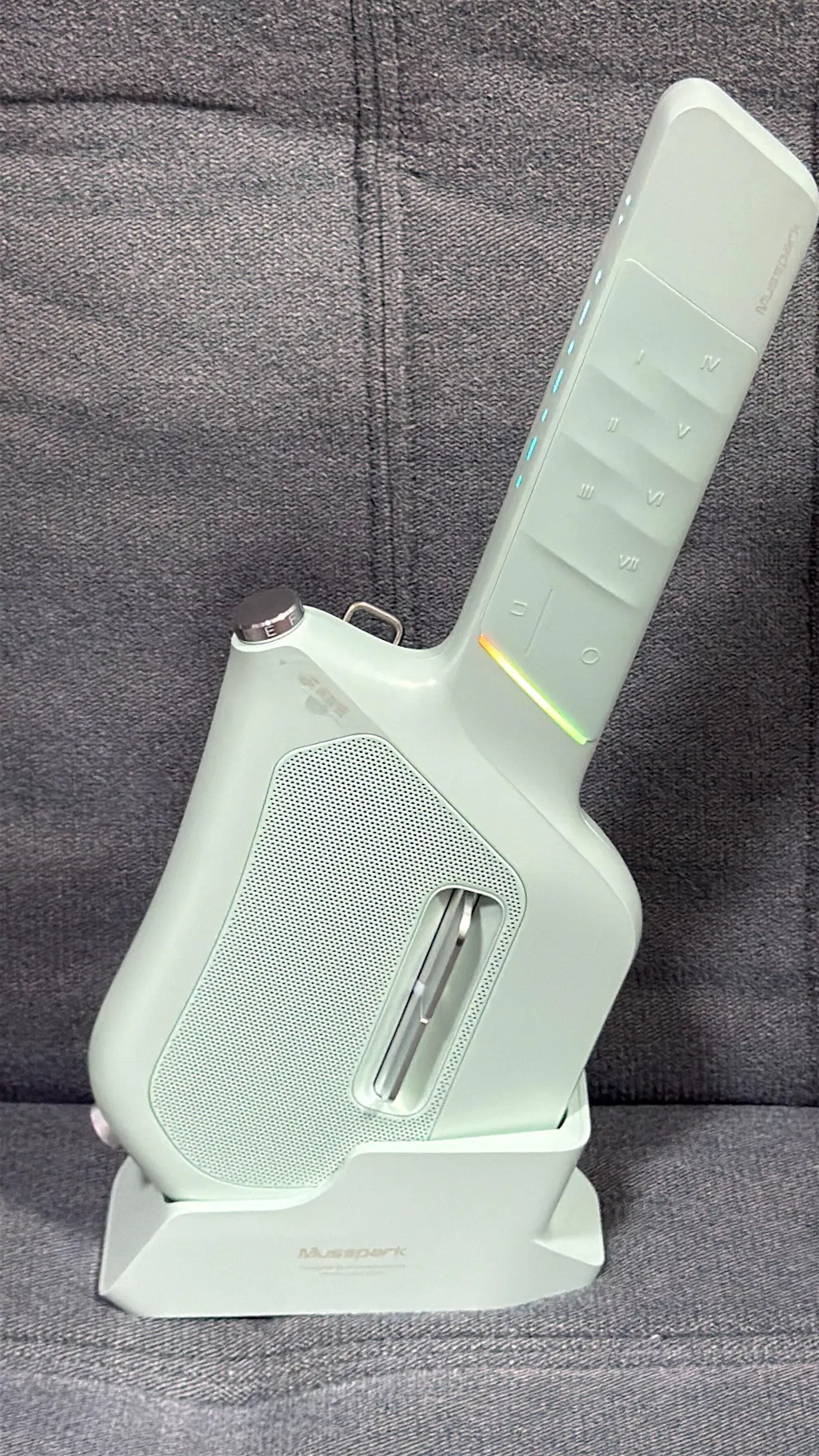
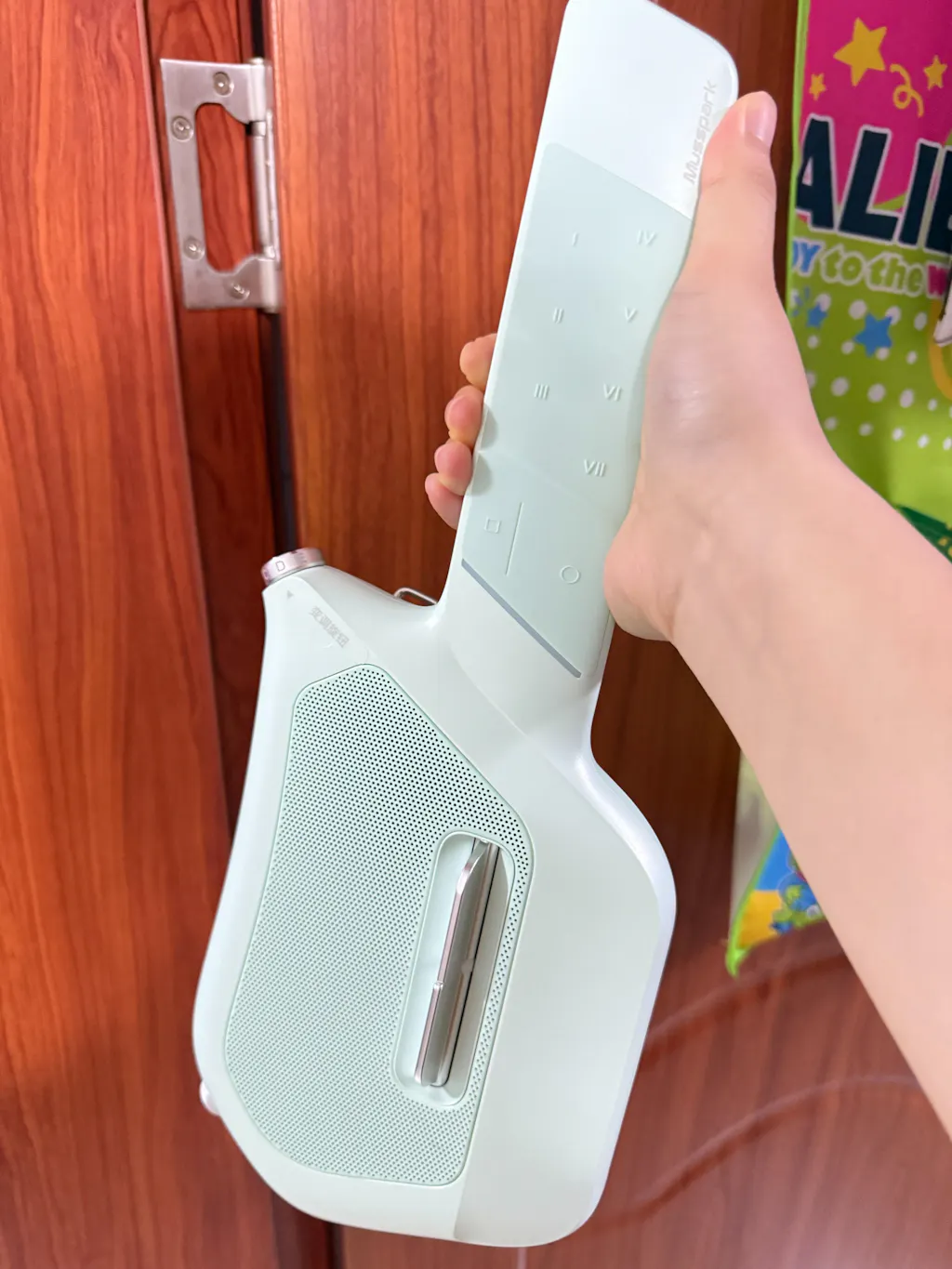
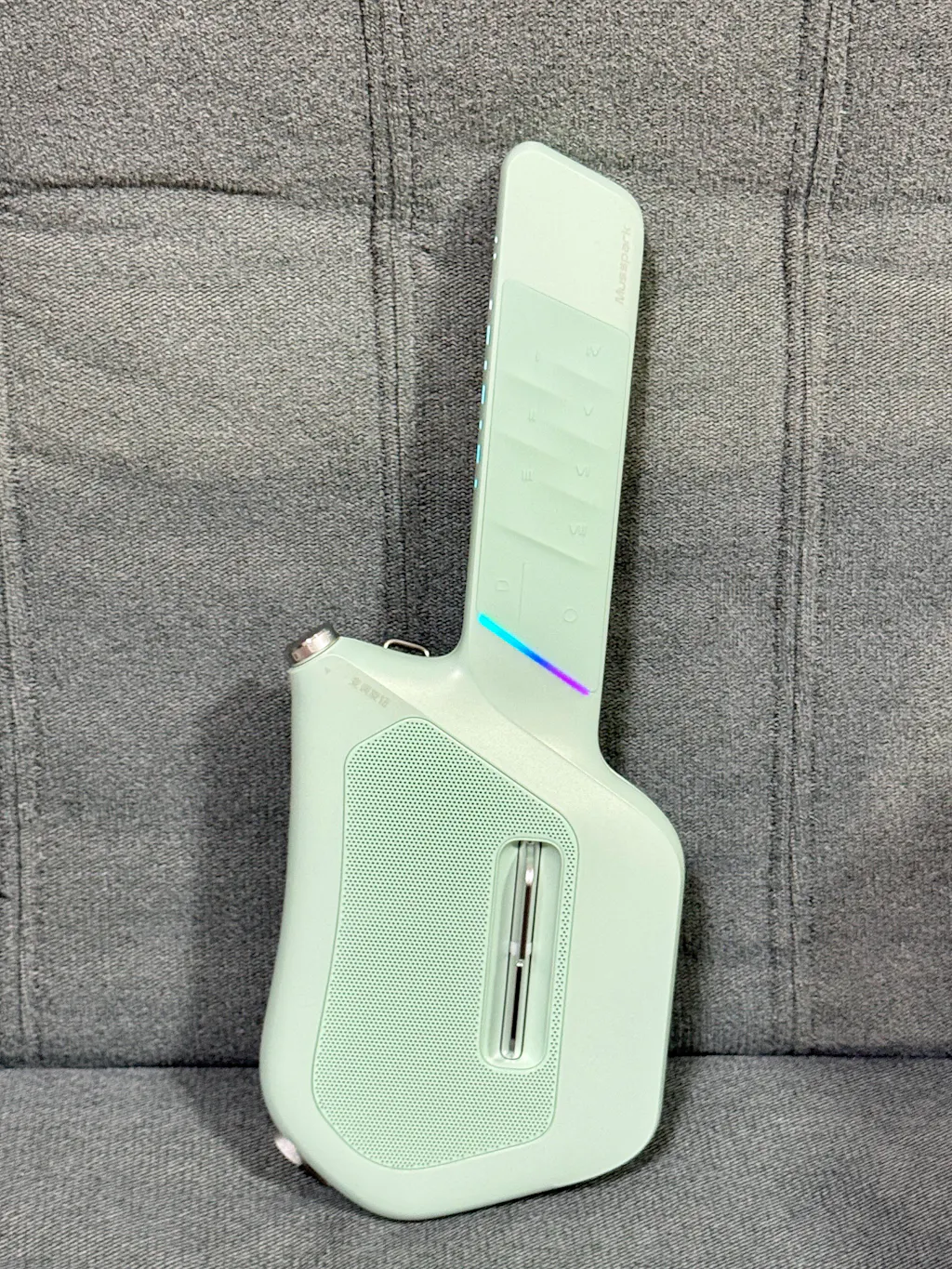
Musspark S1 Mini
Pairs well with
Free Shipping
1 Year Warranty
Reliable Services
Secured Payment
Musspark S1 Mini
If you have any questions, you are always welcome to contact us. We'll get back to you as soon as possible, within 24 hours on weekdays.
-
Shipping Information
Use this text to answer questions in as much detail as possible for your customers.
-
Customer Support
Use this text to answer questions in as much detail as possible for your customers.
-
FAQ’s
Use this text to answer questions in as much detail as possible for your customers.
-
Contact Us
Use this text to answer questions in as much detail as possible for your customers.

Core selling points


XXXXX
xxxxx
Make it yours.

Got a vibe? AI turns it into a song.
Describe a mood, hum a melody, or type a few words — and the Musspark app writes lyrics, composes chords, and generates a full arrangement. Then record a one-tap music video and share it.

AI Songwriting
From keywords to complete songs in seconds.
Auto Sheet Music
AI generates playable chord charts from any melody.
One-Tap MV
Record, add emoji masks, share. Even introverts can be creators.
Product details
Specification
Instrument Weight: 800g; 1.76 lb
Stand Weight: 130; 0.29 lb
Instrument Size: 380*146*61mm; 14.9*5.7*2.4 Inch (L*W*H)
Stand Size: 158*65*63mm; 6.2*2.6*2.4 Inch (L*W*H)
Battery life: 9-12 Hrs
Pick Loss: Over 1,000,000 Times
Chord Pad Loss: Over 1,000,000 Times
Charging Time: Around 2.5 Hrs
Battery Capacity: Equivalent 5000 mAh
Battery Type: Lithium-ion Battery
Warranty: One Year(Starting from date received.)
Included in the Box
① Musspark S1 Mini
② USB-C Charging Cable
③ Shoulder Strap
④ User Manual
⑤ Charging Stand
FAQs
Please read our FAQs page to find out more.
How to play the S1 Mini?
After turning it on. All you need to do is put one hand on the Chord Pad that lies the neck and strum any Pick that lies on the body. The according chord sound will be played from the Mic. Connect it to our Musspark App, then you can play along with the Smart Score Music to unlock more songs.
How to download the Musspark App? Is it free?
Musspark App is Free. Search for "Musspark" on your App Store or Google Play to download. Or you can visit our App Download page to download.
Do the S1 Mini needs any calibrations?
No, you don't need to calibrate. Every Musspark product is tuned before shipping.
How to use it as a Speaker?
Turn on your S1 Mini, and open Settings on your phone or tablet, enable Bluetooth, and select the name that starts with MUS- and ends with -BT (for example, MUS-682126-BT) from the Available Devices. After pairing, open any music app, play a song, and start enjoying!
How to charge the S1 Mini?
Plug the USB‑C charging cable into the port on the bottom of the S1 Mini Stand. Place your S1 Mini into the slot — if you hear a click, it’s securely seated and charging has started.
Can I adjust Pitch?
Sure. You can adjust a song's pitch/key (CDEF) through ① Adjust the Knob on your S1 Mini ② Adjust on the uppper-left Key Button in the Musspark's Playing page.
Can I play my own song?
Yes. Sure — there'are two ways:1. Enter Musspark App, go to Music Creation page→ type in your own lyrics → set Root Note, Chord and BPM for your lyrics→ even beginners can create.✅ Solo mode: freestyle solo play!(In Solo mode, basic music theory is enough to create. You can also use our pioneering AIGC composition & scoring feature — input simple keywords to generate lyrics and sheet music. Even without professional music knowledge, you can create your own music!)